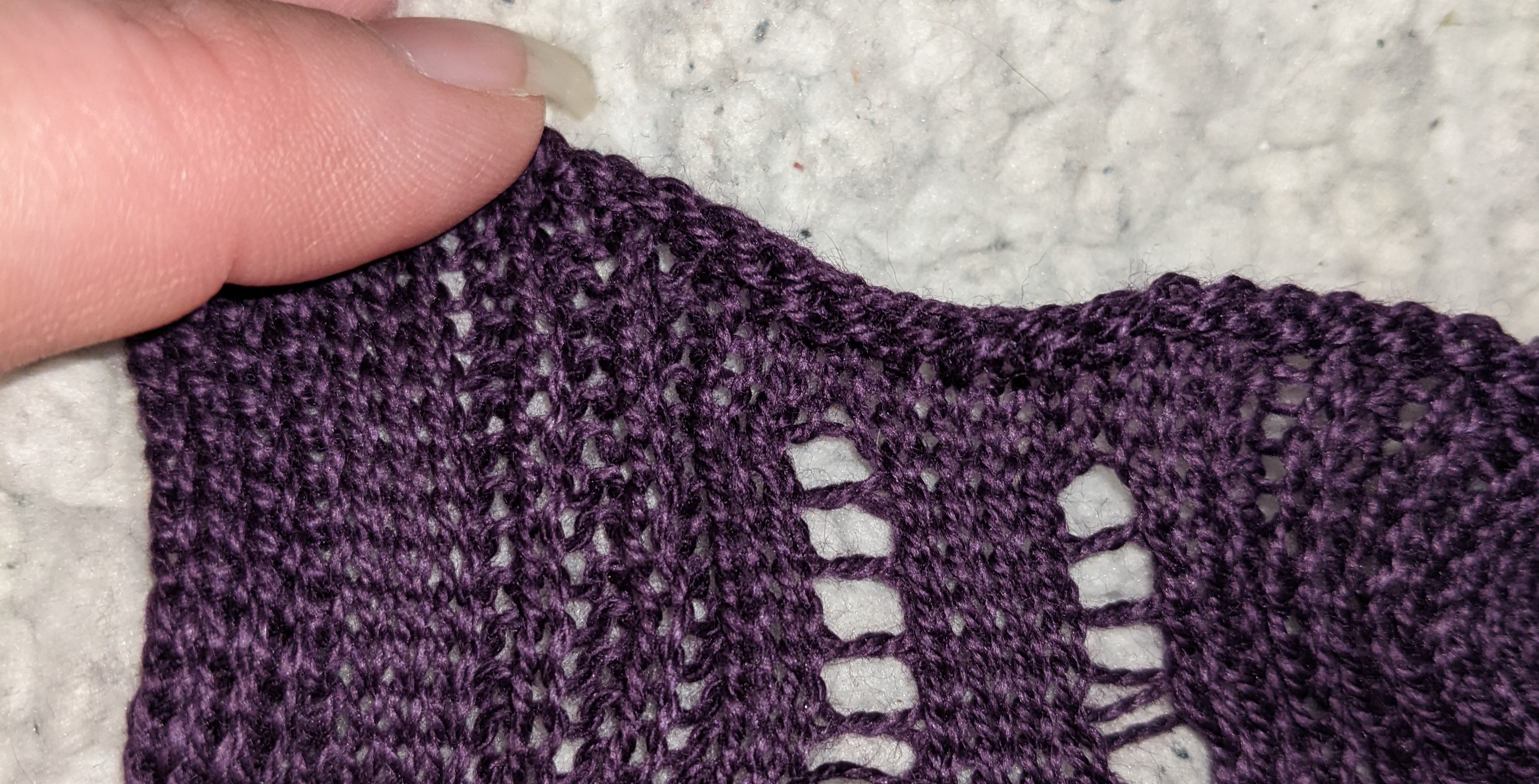
Holes and multiple textures in 1 swatch
Hello everybody,
I have a question about creating holes (like button holes etc.) and creating multiple structures in the same swatch in de design app from kniterate.
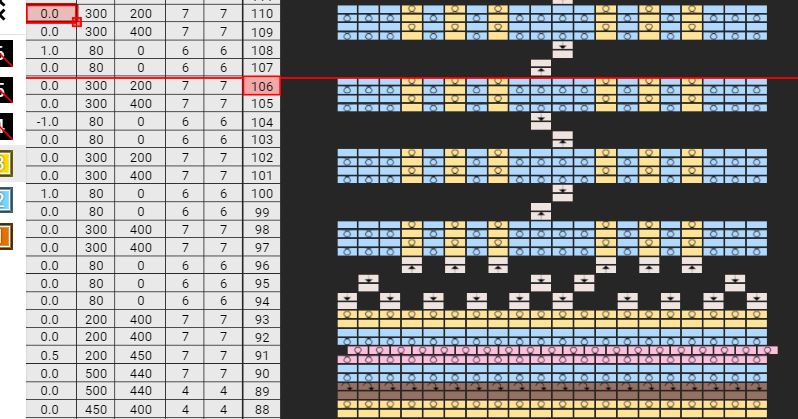
1) I can't tuck or miss individual stitches because the software says 'this row is already in knit-mode'. How can I create holes on specific places in a swatch? Can anybody show me how this looks in the design app?
2) I want to create a swatch that has both a plain knit and a 1x1 rib stitch. How can I do this best in the kniterate design app?
The goal is to create a swatch with holes for actuators and the 1x1 rib stitch is to provide the required stretch. I'm fairly new to the design app so pictures really help :)
This is what I have so far but I've not been able to succesfully knit this so I really could use some help.
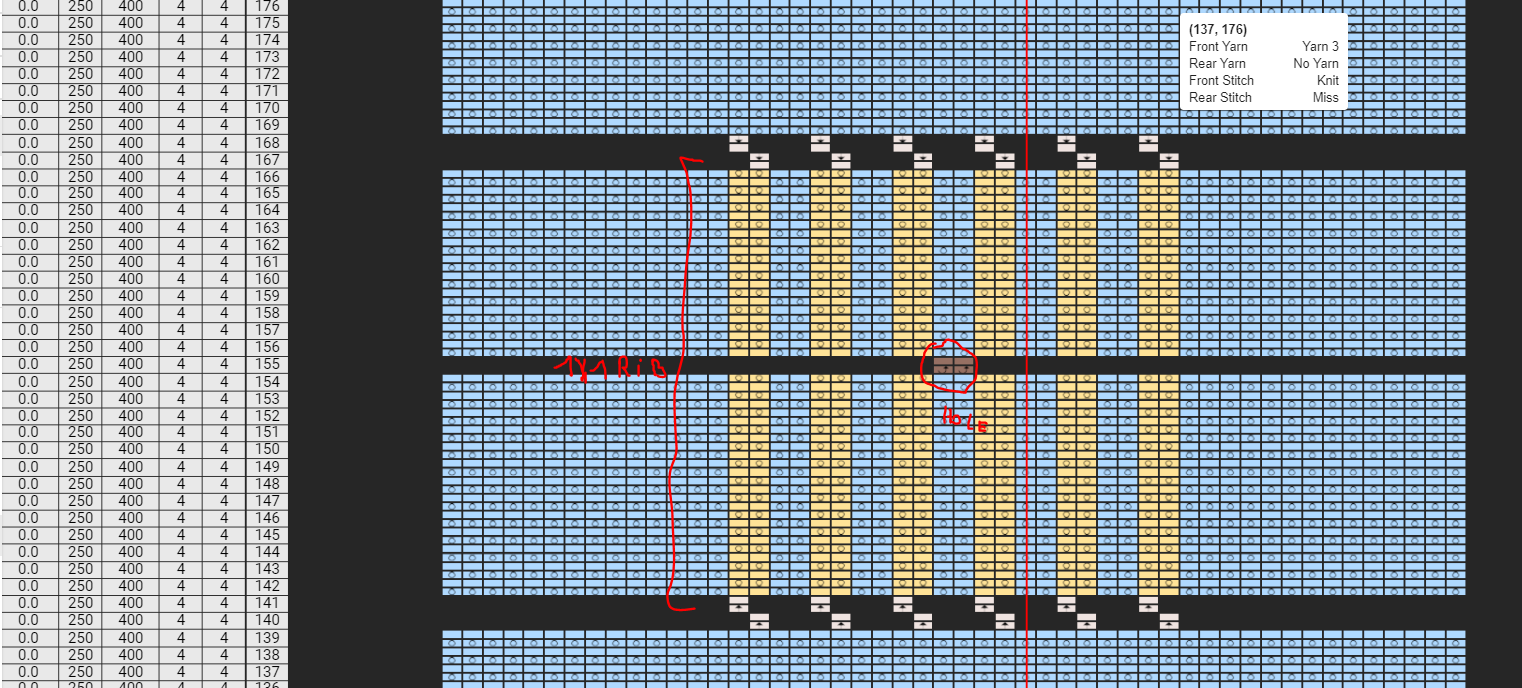
Thanks in advance,
Greeting Ralv